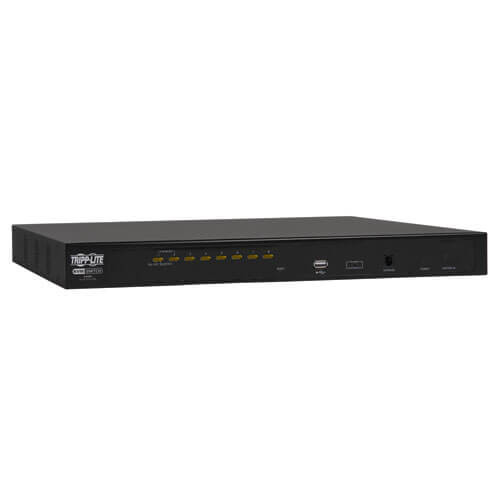
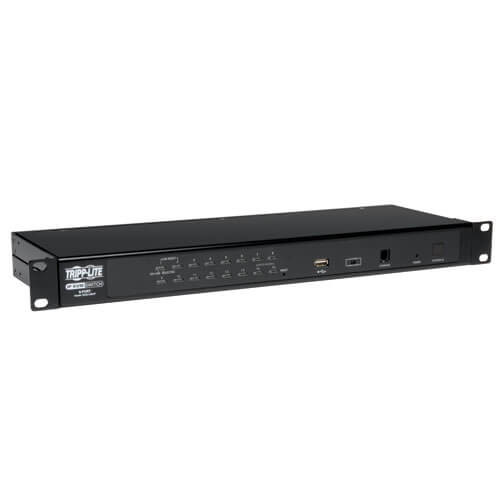
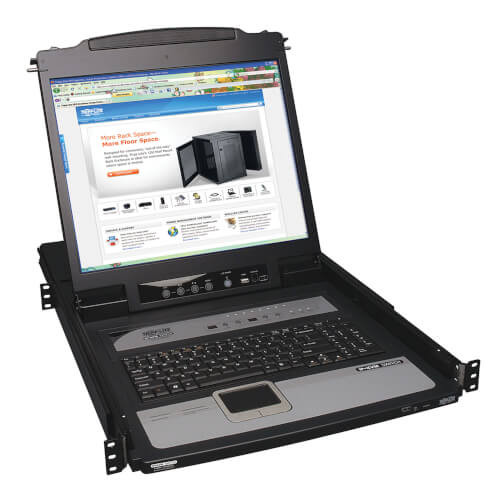
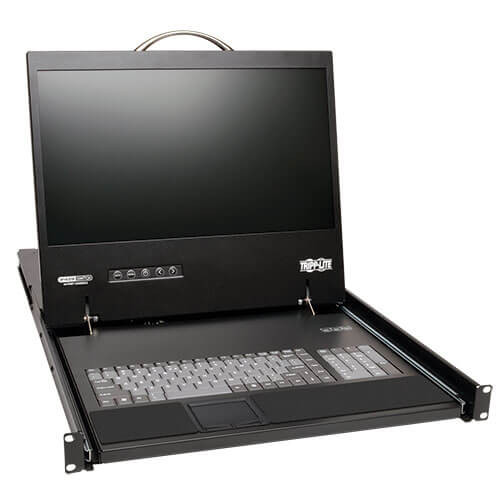
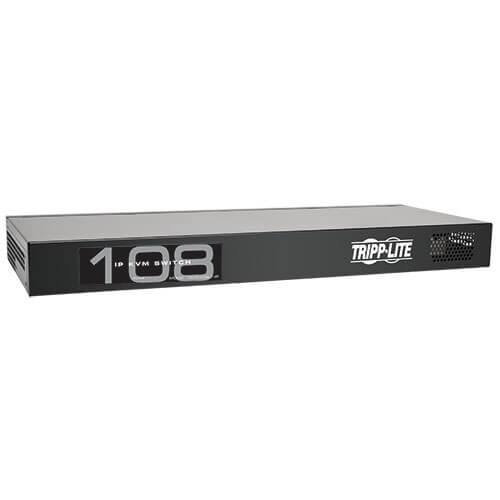
The B022-U08-IP NetDirector IP KVM Switch allows secure access to multiple computers from a single KVM (keyboard, monitor and mouse) console. A single KVM can directly control up to 8 computers. Daisy-chain up to 31 additional B022-U08 switches to control up to 256 computers.
Built-in IP access allows the B022-U08-IP to be accessed from any computer on the LAN, WAN or Internet, whether that computer is located down the hall or halfway around the world. Simply log on via web browser using the Windows- and Java-based browser clients; or, access the KVM without a browser using the included Windows- and Java-based non-browser applications. Remote authentication is also supported via RADIUS and LDAP/S.
A full-screen graphical OSD with multi-level authentication (Super Administrator, Administrator and User) allows you to quickly and efficiently manage your installation, and can be displayed in English, Spanish, French, German, and Japanese. Critical events on the installation can be tracked via the Log in the web interface, or the included Windows-based Log Server can be installed for more robust tracking.
Once a remote session is initiated, you will be able to control the connected computers as if they were physically connected to your keyboard, monitor, and mouse. You can manually switch between computers using keyboard hotkeys, the remote session toolbar, or the KVM's OSD interface; or, you can automatically scan through each port using Auto Scan or Panel Array modes.
Constructed of heavy-duty steel housing. The B022-U08-IP includes two 6-ft Tripp Lite USB/PS2 combo KVM cable kits. All other cable kits can be ordered separately.
Features
1U Rackmount KVM Switch with built-in IP access.
Connect either USB or PS/2 computers using P778-Series USB/PS2 Combo KVM Cable Kits – no need for separate cable kits.
Control up to 8 computers on a single KVM switch.
Daisy-chain up to 31 additional B022-U08 switches to control up to 256 computers.
Remotely access computers via LAN, WAN or Internet via the Windows™ or Java browser clients.
AP Windows and Java non-browser applications allow the KVM to be remotely accessed via the network without going through a browser.
External USB 1.1 port allows USB peripheral devices to be shared amongst connected computers.
Grayscale feature allows you to view remote sessions in black and white, reducing the amount of data traveling over the network and improving keyboard/mouse response time over IP.
Web management interface, OSD and toolbars provide convenient, user-friendly operation.
3-level security (Admin, User and Select) – up to 64 accounts can be created.
Panel Array Mode – remotely monitor multiple ports at the same time.
Message board feature allows users who are logged in at the same time to communicate with each other and manage port access.
CD includes a Windows-based log server that records events on the installation and writes them to a searchable database.
Supports RADIUS and LDAP/S authentication.
Flash firmware upgradable via network and included firmware upgrade cable.
Supports both IPv4 and IPv6.
Supports Link Local IPv6 Address and IPv6 Stateless Auto configuration protocol.
Web Management Interface, Remote OSD and Local OSD can be displayed in English, Spanish, French, German and Japanese.
Video resolutions up to 2048 x 1536, DDC2B are supported at the local console. Video resolutions up to 1600 x 1200 @ 60Hz, 24-bit color depth are supported at the remote console.
Compatible with all major operating systems.
System Requirements
External Console
A VGA, SVGA or MultiSync monitor capable of displaying the highest resolution provided by any computer in the installation.
PS/2 or USB keyboard and mouse.
Computers
A VGA, SVGA or MultiSync video graphics card with an HD15 port.
Either a PS/2 or USB keyboard/mouse ports.
Compatible with all major operating systems.
Remote Console
For best results, computers that remotely access the KVM switch should have at least a Pentium III 1GHz processor.
Users who want to access the KVM switch with the Windows client must have DirectX 8.0 or higher installed. DirectX is available for free download from Microsofts website.
Users who want to access the KVM switch with the Java client must have Sun's Java 6 (update 3 or higher) runtime environment installed. Java is available for free download from the Java website.
For best results, a network transfer speed of at least 128Kbps is recommended.
Browsers must support 128-bit data encryption.
To run the Log Server, you must have the Microsoft Jet OLED8 4.0 (or higher) driver installed.
Supported Web Browsers
Internet Explorer 6 and higher
Firefox 1.5 and higher
Mozilla 1.7 and higher
Safari 4.0 and higher
Opera 9.0 and higher
Netscape 8.1 and higher
Package Includes
B022-U08-IP IP KVM Switch
(x2) 6 ft. USB/PS2 Combo KVM Cable Kits
USB/PS2 Combo Console Cable Kit
RJ11 to DB9 Firmware Upgrade Cable
Rackmount Hardware
External Power Supply with NEMA 1-15P Plug (Input: 100-240V, 50/60Hz, 0.5A Output: 5.3V, 2.4A)
Rubber Feet
CD with Owner's Manual and Device Files
Quick Start Guide
Specifications
OVERVIEW
UPC Code
037332177049
Max CPU
8
Technology
PS/2; VGA/SVGA
VIDEO
Max Supported Video Resolution
Up to 2048 x 1536, DDC2B are supported at the local console. Video resolutions up to 1600 x 1200 @ 60Hz, 24-bit color depth are supported at the remote console.
POWER
External Power Supply Input Specs (V / Hz / A)
100-240V~50/60Hz, 05.A
External Power Supply Output Specs (V / A)
5.3V/ 2.4A
External Power Supply Cord Length (ft.)
5
External Power Supply Certifications
FCC; PSE; UL; cUL
PHYSICAL
Housing Color
Black
Shipping Dimensions (hwd / in.)
9.10 x 21.40 x 4.60
Shipping Weight (lbs.)
7.80
Unit Dimensions (hwd / in.)
1.73 x 17 x 6
Unit Weight (lbs.)
6.1
ENVIRONMENTAL
Storage Temperature Range
-20 to 60 C (-4 to 140 F)
Relative Humidity
0 to 80% RH, Non-Condensing
Operating Temperature
0 to 50 C (32 to 122 F)
BTUs
DC5.3V 7.67W / 55BTU
COMMUNICATIONS
Port Control
Push Buttons, Hotkeys, OSD
IP Remote Access
Yes
CONNECTIONS
Ports
8
PC/Server Connections
PS/2; USB; VGA
Side A - Connector 1
(8) HD18 (FEMALE)
Side B - Connector 1
(1) HD18 (FEMALE)
Side B - Connector 2
(1) DB25 (MALE)
Side B - Connector 3
(1) RJ45 (FEMALE)
Side B - Connector 4
(1) RJ11 (FEMALE)
Side B - Connector 5
(1) USB A (FEMALE)
FEATURES & SPECIFICATIONS
Autoscan (Y,N)
Y
Autoscan Duration
1-255 Seconds
Number of Users
1
NIAP-Certified Secure
No
USB Specification
USB 2.0 (up to 480 Mbps)
Cat5 KVM Switch
No
STANDARDS & COMPLIANCE
Approvals
CE, FCC, RoHS, External Power Supply Certified to UL