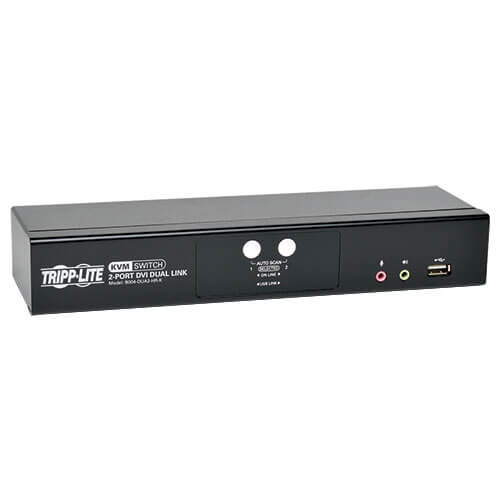
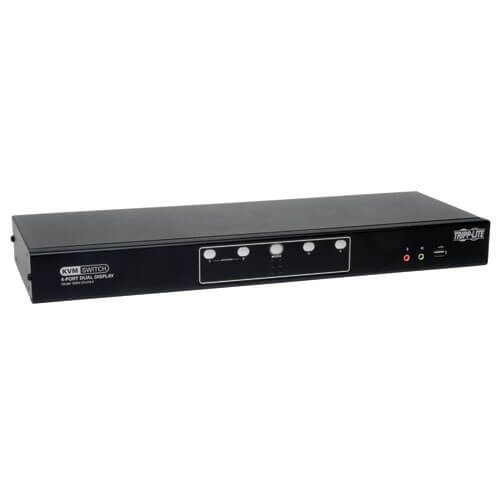
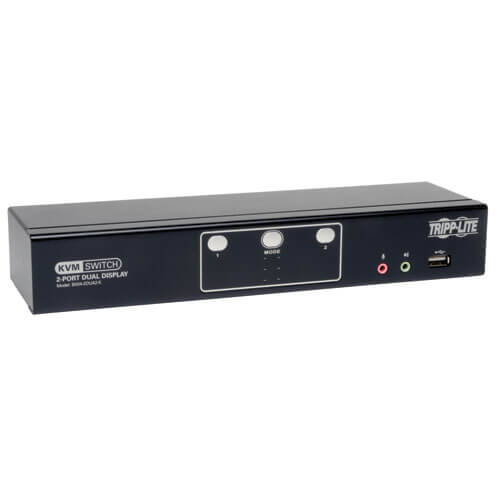
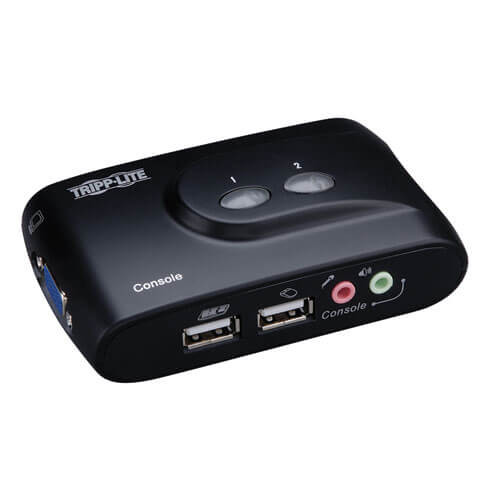
4-Port DVI Dual Link/USB KVM switch with 7.1 channel surround-sound audio and USB 2.0 peripheral sharing (B004-DUA4-HR-K)
Built-in 2-Port USB 2.0 hub allows USB devices to be shared amongst computers connected to the KVM switch
3.5 mm Mini Stereo Speaker and Microphone jacks allow a single microphone to provide audio input to each of the connected computers, and let you listen to the audio output of each computer on a single set of speakers
B004-DUA4-HR-K features additional audio jacks for use with 2.1 channel surround-sound
An additional set of console audio jacks are conveniently located on the front panel of the KVM switch, making them ideal for use with IP phones
The KVM, USB and Audio can be switched independently of each other
Features mouse port switching functionality*, which allows users accessing the KVM switch with a scroll mouse to switch between ports by double-clicking the mouse’s scroll wheel
Switch between connected computers via front panel pushbuttons, keyboard hotkeys, and the mouse switching function*
Auto Scan mode allows you to scan the connected computers without having to manually switch between them
Supports both analog and digital video signals, allowing for the connection of a VGA computer and/or monitor with a DVI to VGA adapter
Supports digital video resolutions up to 2560 x 1600 and analog video resolutions up to 2048 x 1536
Multi-platform support – Compatible with Windows, Mac, Sun and Linux
Supports hot-plugging – Computers and devices can be unplugged and re-plugged without having to shut down the KVM switch
The KVM switch stores the monitor’s EDID (Extended Display Identification Data) to optimize display resolution
LEDs provide for easy monitoring of connected computers
Power-On-Detection recognizes when a connected computer has been powered-off and automatically switches to the next powered-on computer
HDCP compliant
Console mouse port emulation/bypass feature supports most mouse drivers and multifunction mice
Console keyboard port emulation/bypass feature supports most gaming/multimedia keyboards
Complete keyboard emulation for error-free booting
Multilingual keyboard mapping – supports English, Japanese, and French keyboards
Quick installation without the need for software
Sun/Mac keyboard support and emulation**
Firmware upgradeable
Compliant with the Federal Trade Agreements Act (TAA) for GSA Schedule purchases
*The mouse switching function is disabled by default, and needs to be turned on via keyboard hotkey command. It is only available when using a mouse with a scroll wheel. **PC keyboard combinations emulate Sun/Mac keyboards. Sun/Mac keyboards only work with their own computers.
System Requirements
DVI or VGA* port
A USB Port
3.5mm Mini Stereo microphone and speaker jacks ( if using the audio feature )
* Requires an adapter, such as Tripp Lite’s P556-Series DVI to VGA adapter cables. Note that the included DVI cables and cable kits are DVI-D only, and cannot be converted to VGA using an adapter. Video from a VGA computer will only display if a VGA monitor is connected.
Package Includes
B004-DUA4-HR-K KVM Switch
(x4) 6-ft. (1.83 m) USB KVM Cable Kits
External Power Supply with NEMA 1-15P Plug(Input: 100-240V, 50/60Hz, 0.5A Output: 5.3V, 2.4A)
Owner's Manual
Specifications
OVERVIEW
UPC Code
037332183040
Max CPU
4
Technology
USB 2.0 (High Speed); DVI; Stereo Audio
VIDEO
Max Supported Video Resolution
2560 X 1600 @60Hz (DIGITAL), 2048 X 1536 @60Hz (ANALOG)